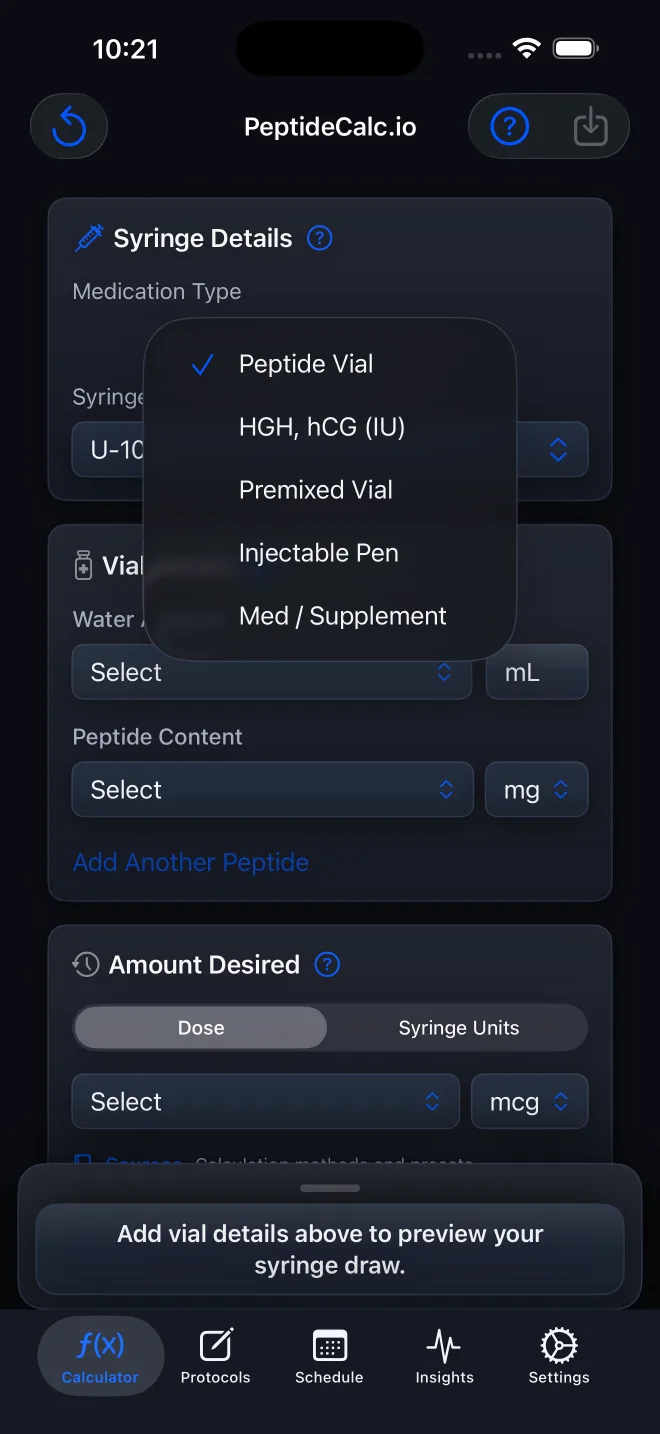
 Screenshot tutorial
App How-To
How to Choose the Right Medication Type in PeptideCalc
Choose among Peptide Vial; HGH, hCG (IU); Premixed Vial; Injectable Pen; and Medication / Supplement by matching the product form and label you already have.
Learn PeptideCalc
Find your way around the app with clear steps, screenshots, and short videos. Search for a task or browse the 7 topics below.
Choose the matching package workflow, enter label values, and understand what each calculator mode does.
Screenshot tutorialChoose among Peptide Vial; HGH, hCG (IU); Premixed Vial; Injectable Pen; and Medication / Supplement by matching the product form and label you already have.
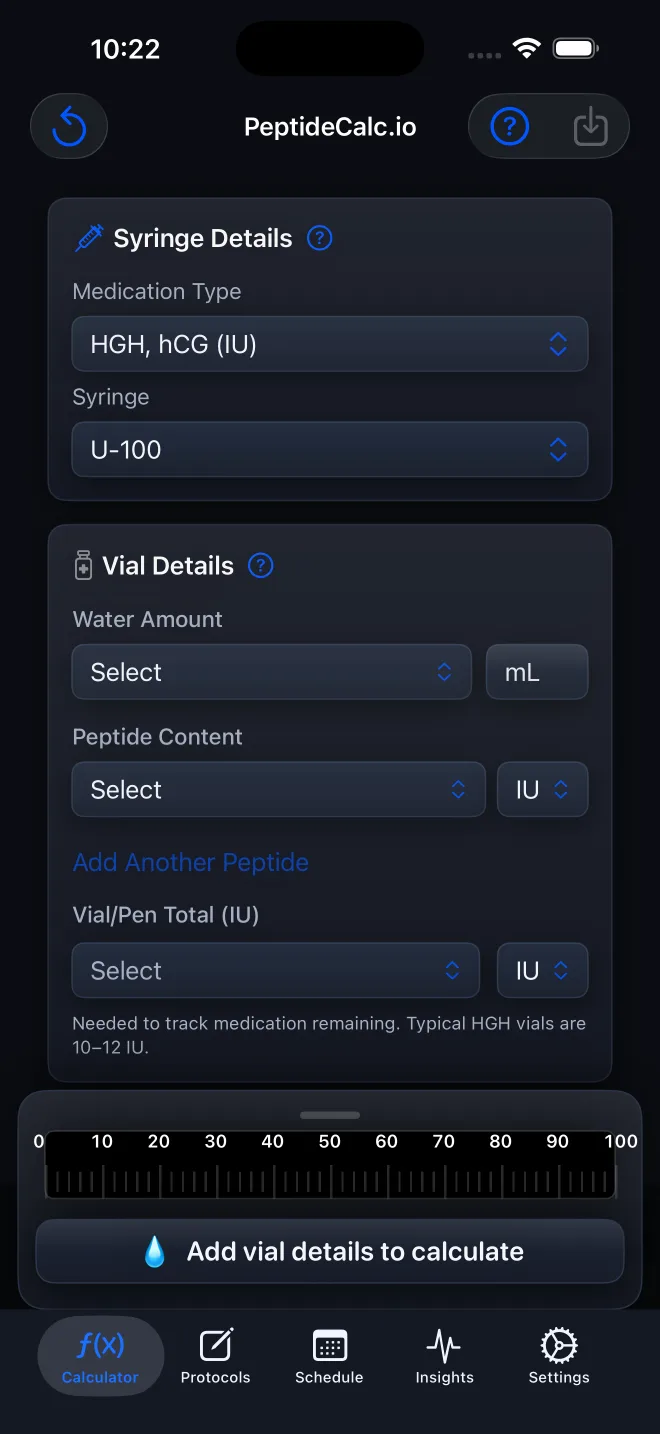 Screenshot tutorial
Calculate an IU-labeled vial in PeptideCalc with Water Amount, total vial content in IU, a supplied target in IU, and the syringe that matches the one being used.
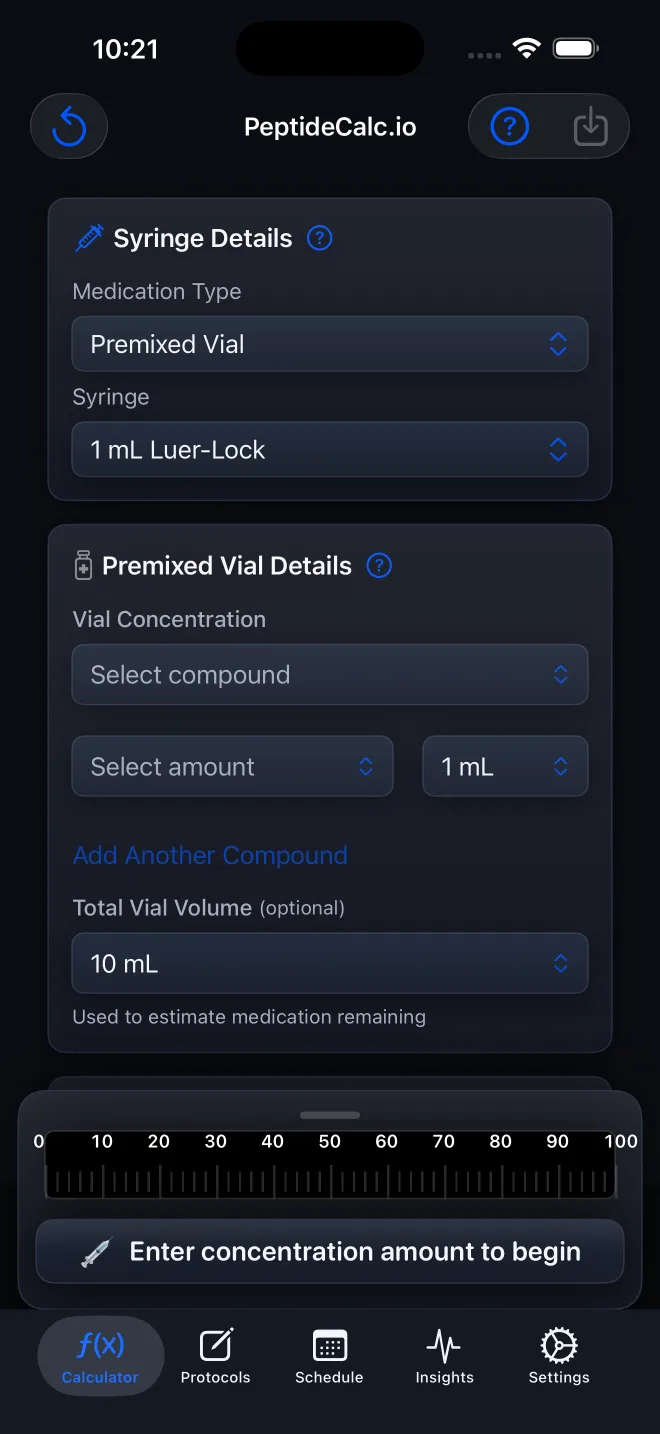 Screenshot tutorial
Enter a labeled vial concentration, total vial volume, target dose, and matching syringe with PeptideCalc's Premixed Vial calculator.
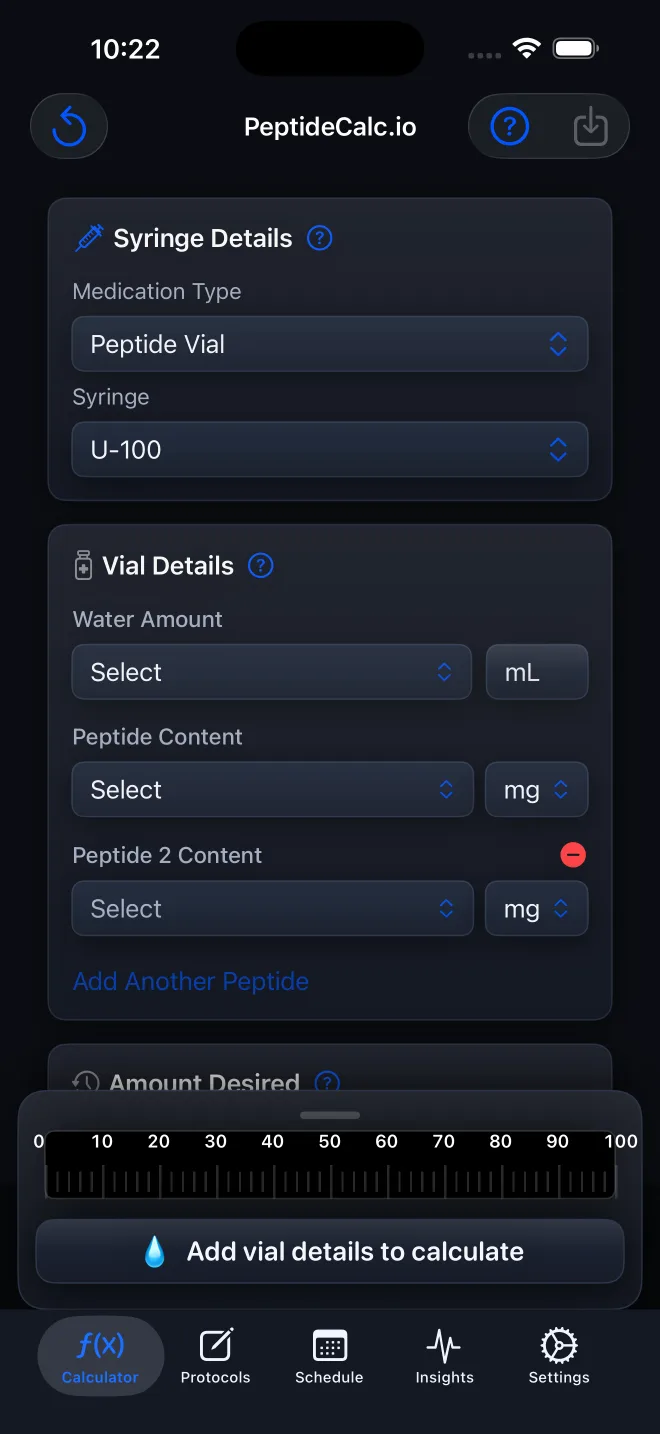 Screenshot tutorial
Enter up to four labeled components from one combined vial, then calculate from the component ratio and a supplied Total Dose in PeptideCalc.
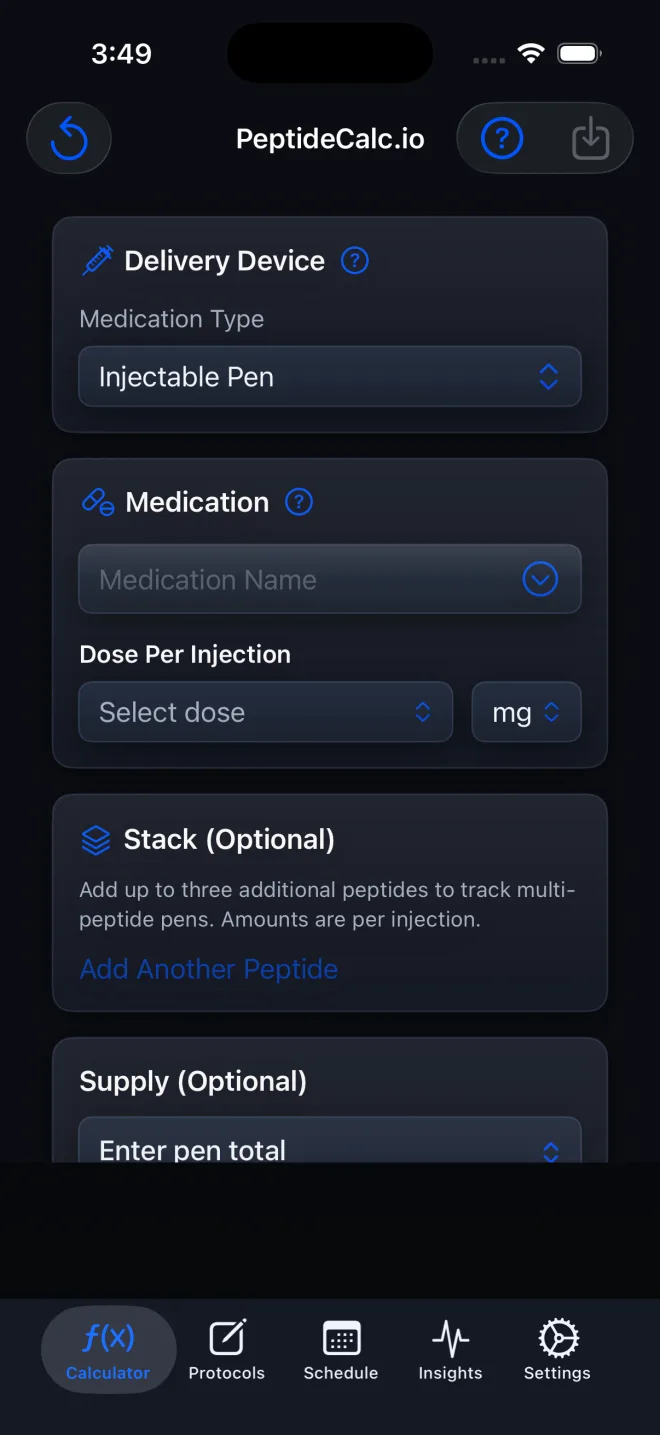 Screenshot tutorial
Enter a labeled prefilled pen or injector, packaged strength, per-injection amount, and optional supply in PeptideCalc without using vial dilution fields.
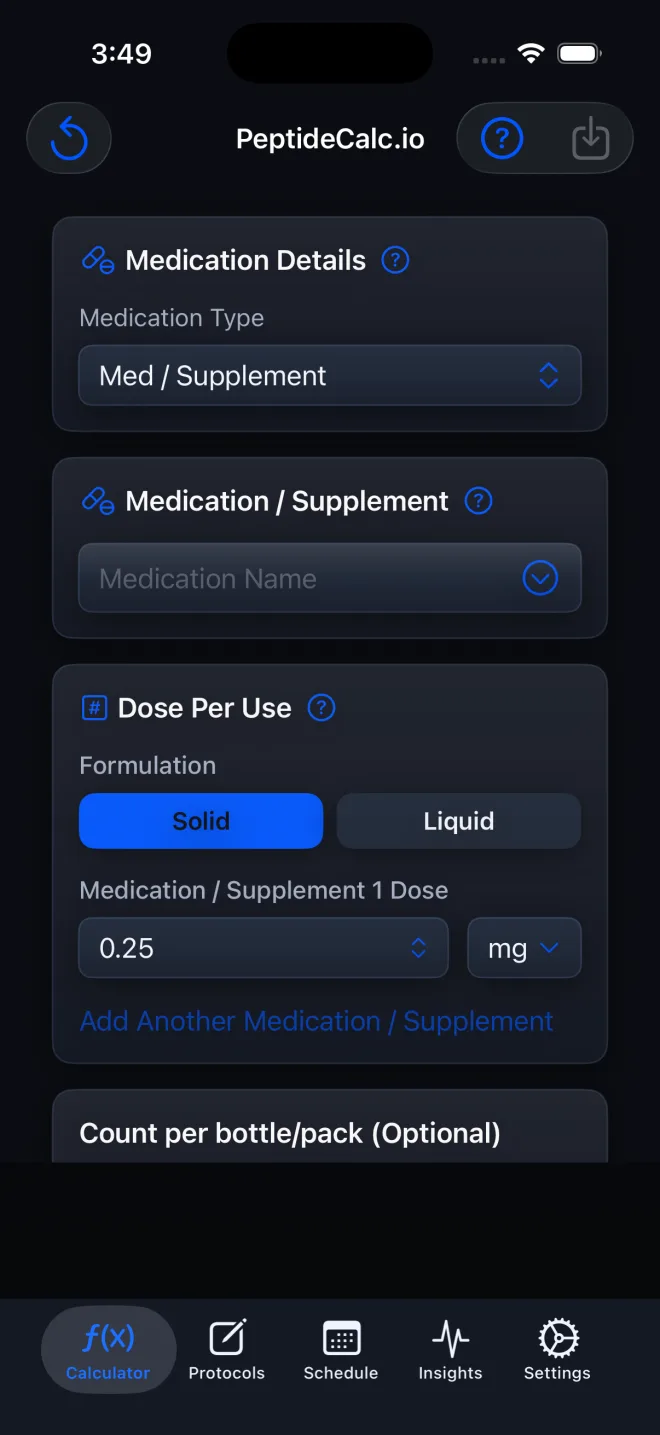 Screenshot tutorial
Set up a solid or liquid non-injectable in PeptideCalc, calculate a liquid dose volume, track optional supply, and save it as a protocol or schedule.
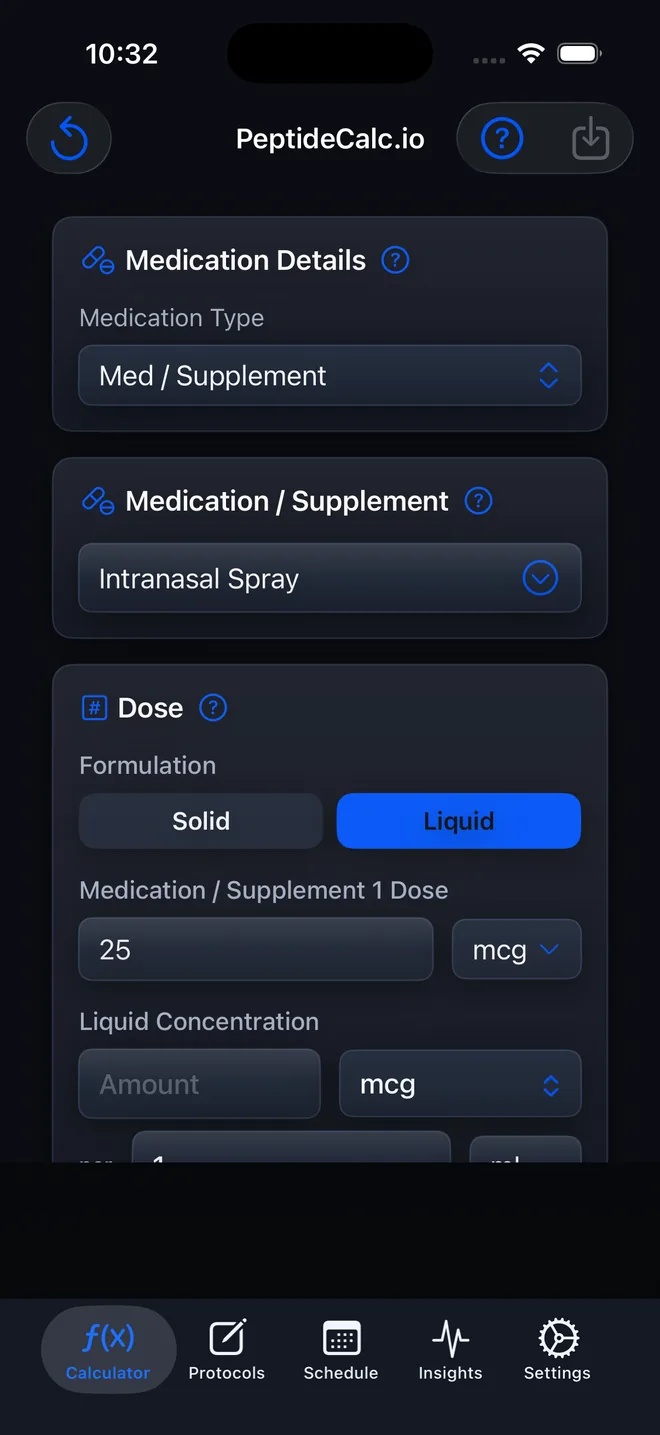 Screenshot tutorial
Set up an intranasal spray as a liquid Medication / Supplement protocol, create an optional schedule, and record Nasal administration details when logging a dose.
 Video tutorial · 15 sec
Use the iPhone and iPad app to solve Water Amount from vial content, an independently determined target dose, and a chosen syringe-unit mark.
 Written guide
Learn how to enter vial quantity, water volume, target dose, and syringe size, then reproduce the calculator formula with a worked arithmetic example.
Written guideCompare the free browser calculator with the one-time purchase iOS app, including formulas, workflow features, privacy, limitations, and our publisher-bias disclosure.
Create reusable setups, revise them safely, make a copy, or bring an archived protocol back.
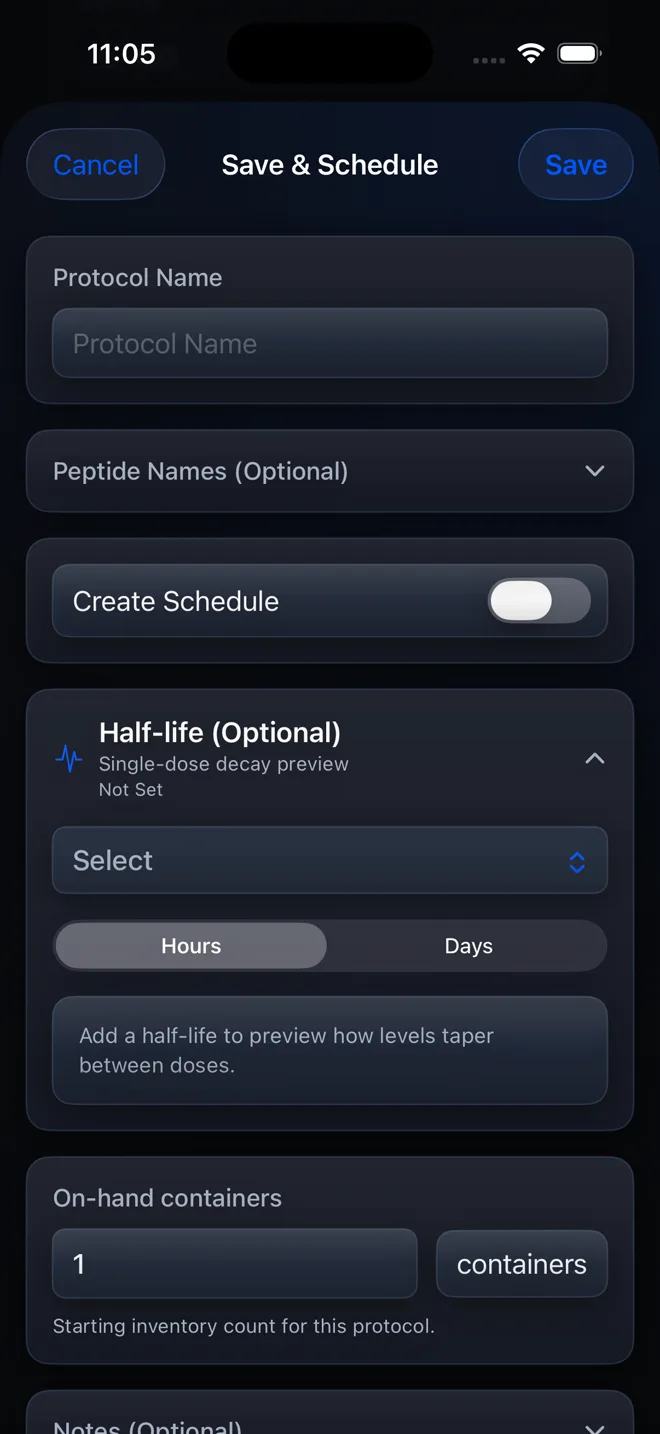 Screenshot tutorial
Create a reusable PeptideCalc protocol from the Calculator, name it, and choose whether to create a schedule at the same time.
 Written guide
Change the saved details of an existing PeptideCalc protocol without confusing the protocol record with a completed dose log or future schedule edit.
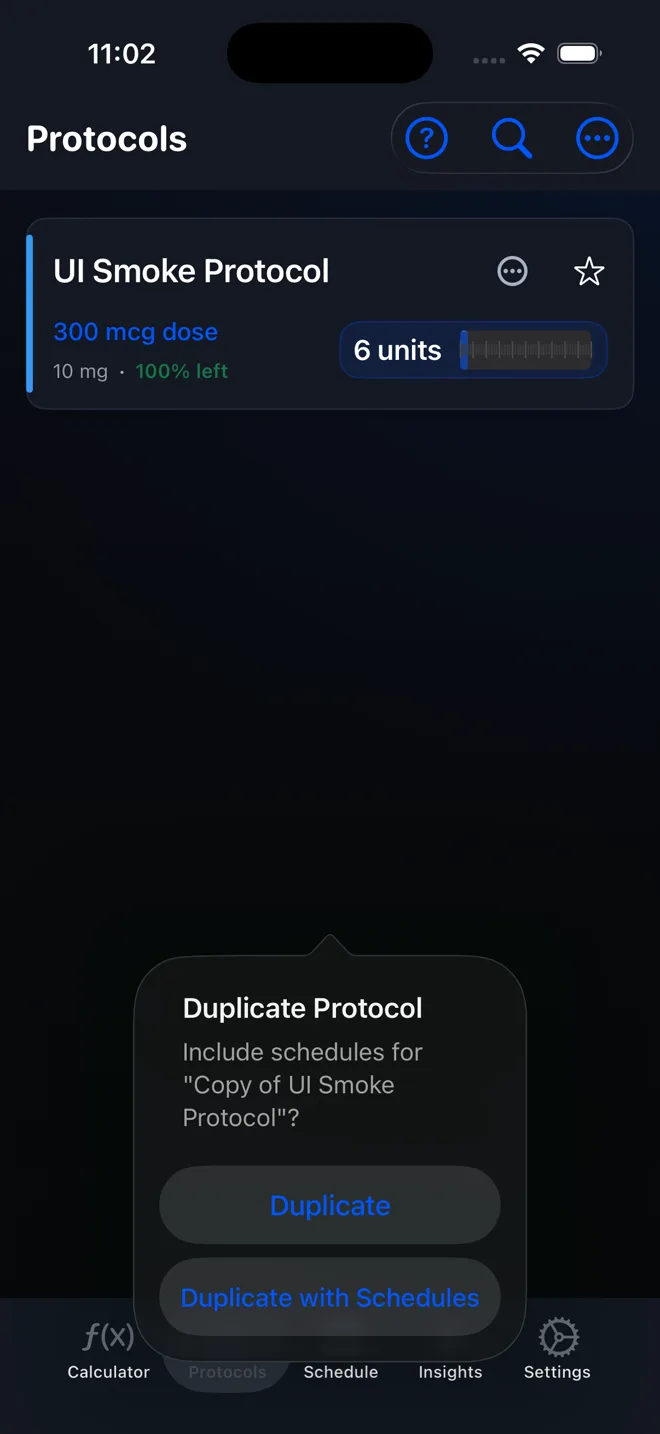 Screenshot tutorial
Copy an existing PeptideCalc protocol, rename the copy, and avoid accidentally creating duplicate schedules and reminders.
 Written guide
Find an archived protocol under Inactive in PeptideCalc and restore it to the active protocol list with one swipe action.
Set cadence, cycling, appearance, notifications, and the behavior of future dates after an off-date log.
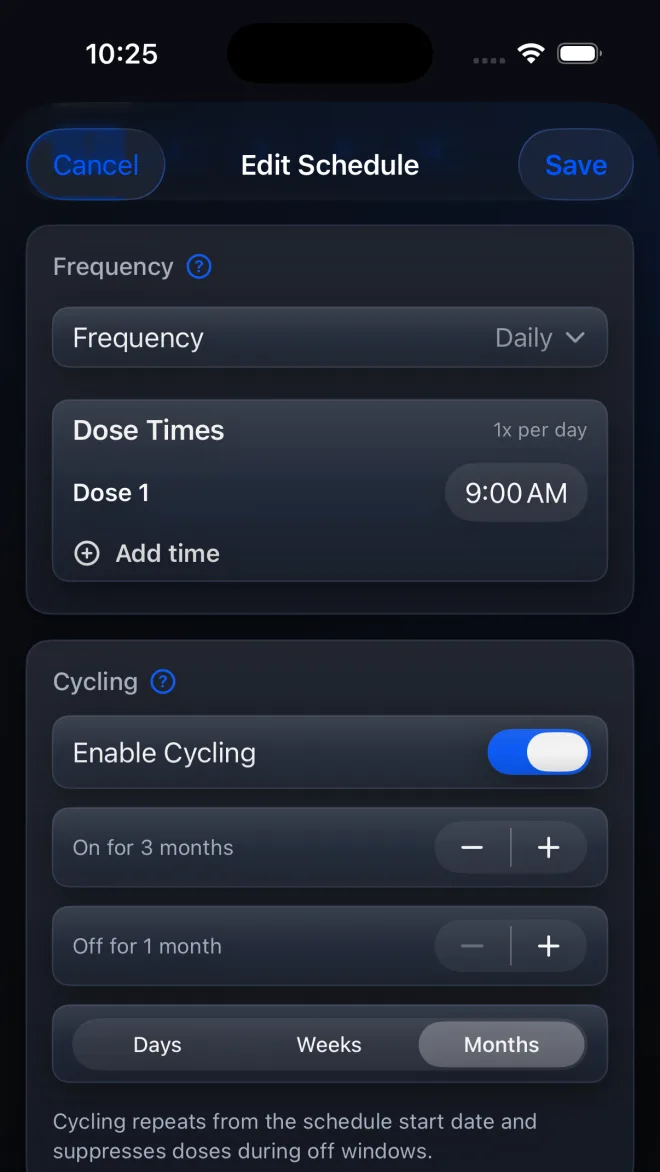 Screenshot tutorial
Set a repeating On for and Off for schedule in PeptideCalc, anchor it to a Start Date, and optionally add alerts before the cycle changes.
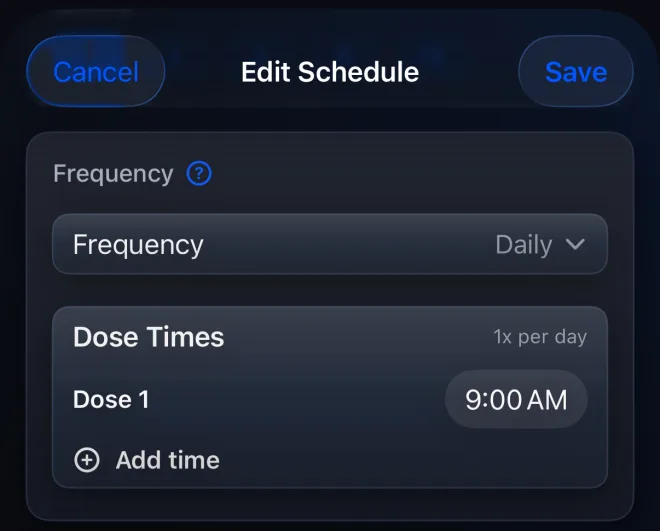 Screenshot tutorial
Add up to four Dose Times to one daily PeptideCalc schedule and understand how the saved protocol dose applies at each scheduled time.
 Video tutorial · 6 sec
Open Schedule Color from a saved protocol, then choose Automatic or one of the 10 preset colors available in PeptideCalc 2.7.7.
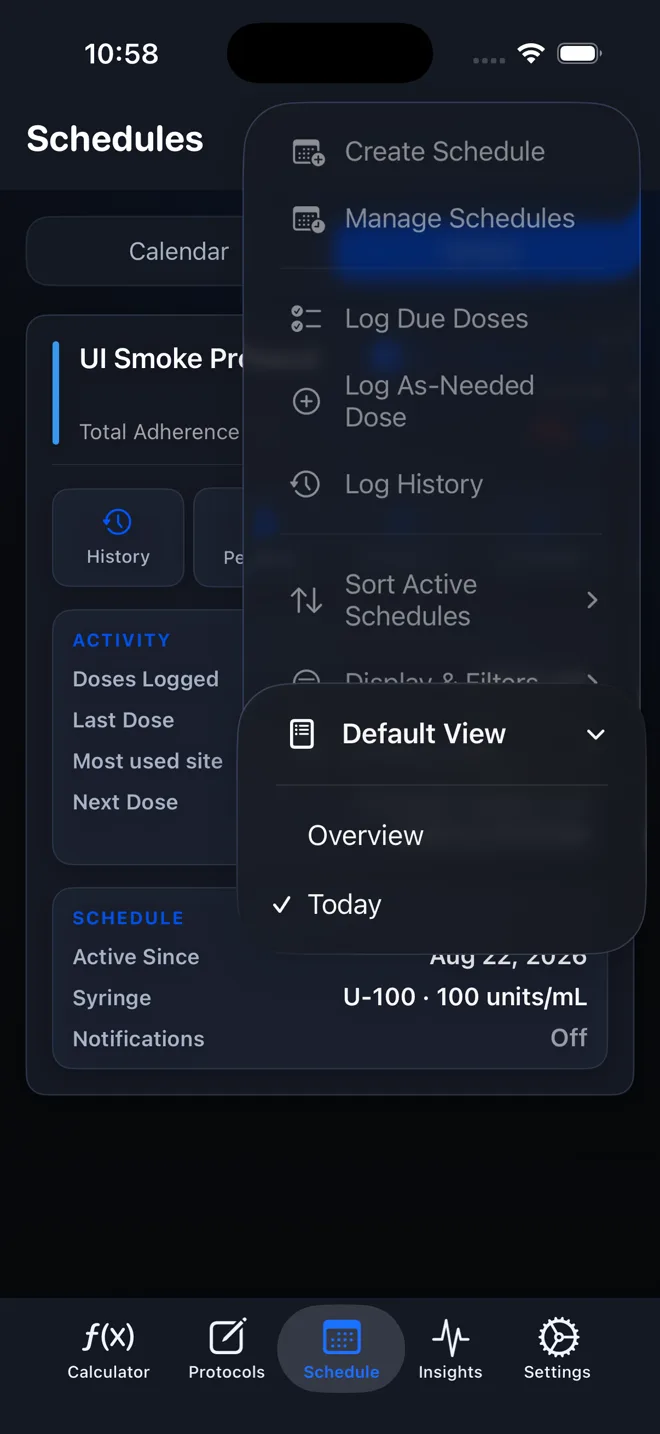 Screenshot tutorial
Choose whether the PeptideCalc Schedule calendar opens in Overview or Today by default without changing any schedule data.
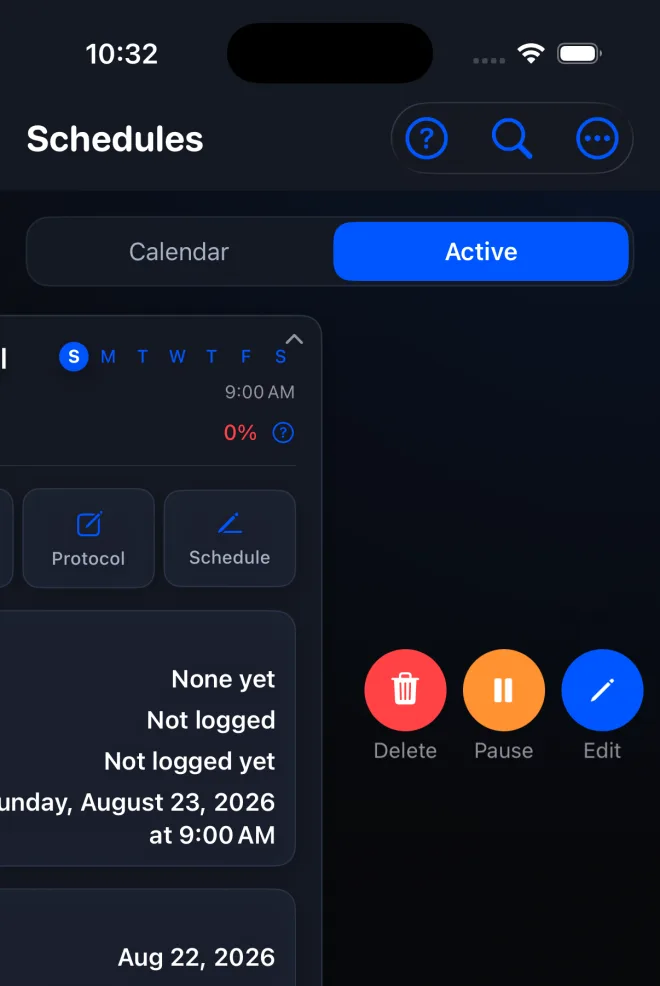 Screenshot tutorial
Pause a PeptideCalc schedule to stop its reminders without deleting history, then resume it later from the Inactive section.
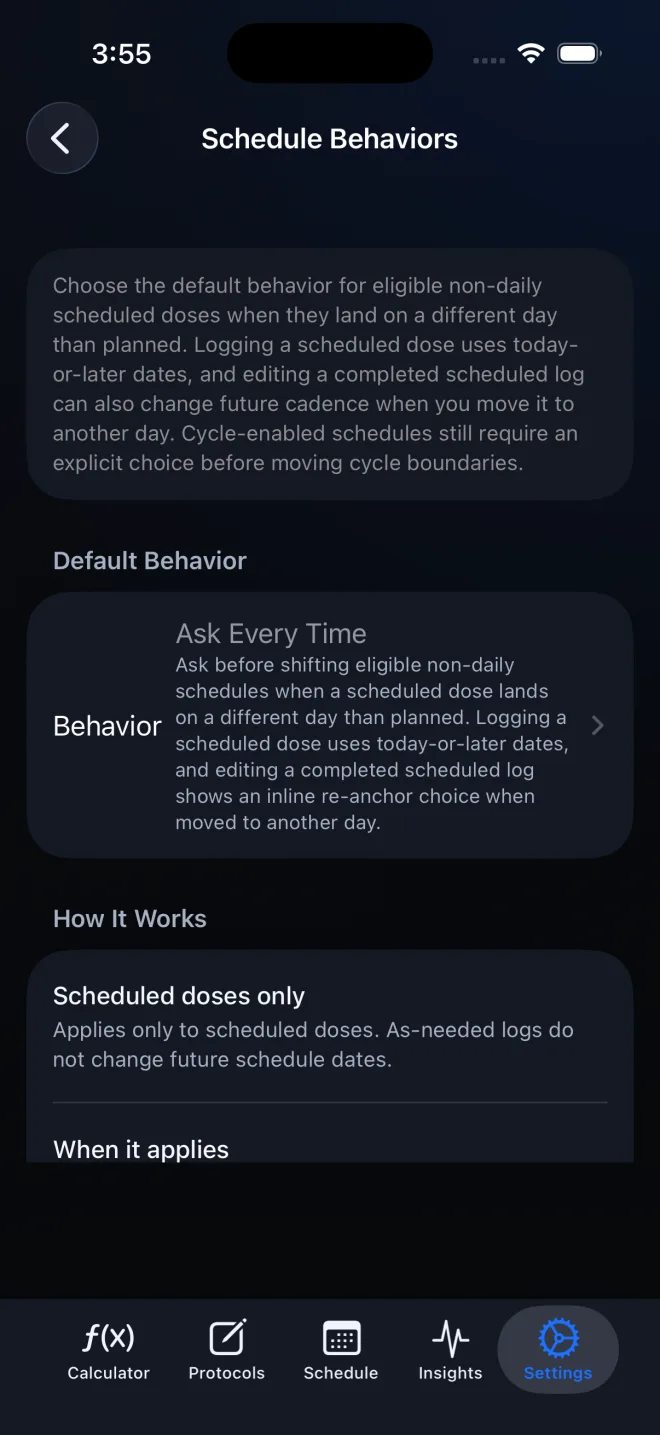 Screenshot tutorial
Control whether an eligible PeptideCalc schedule moves after a scheduled dose is logged on another day, including every prompt and no-prompt case.
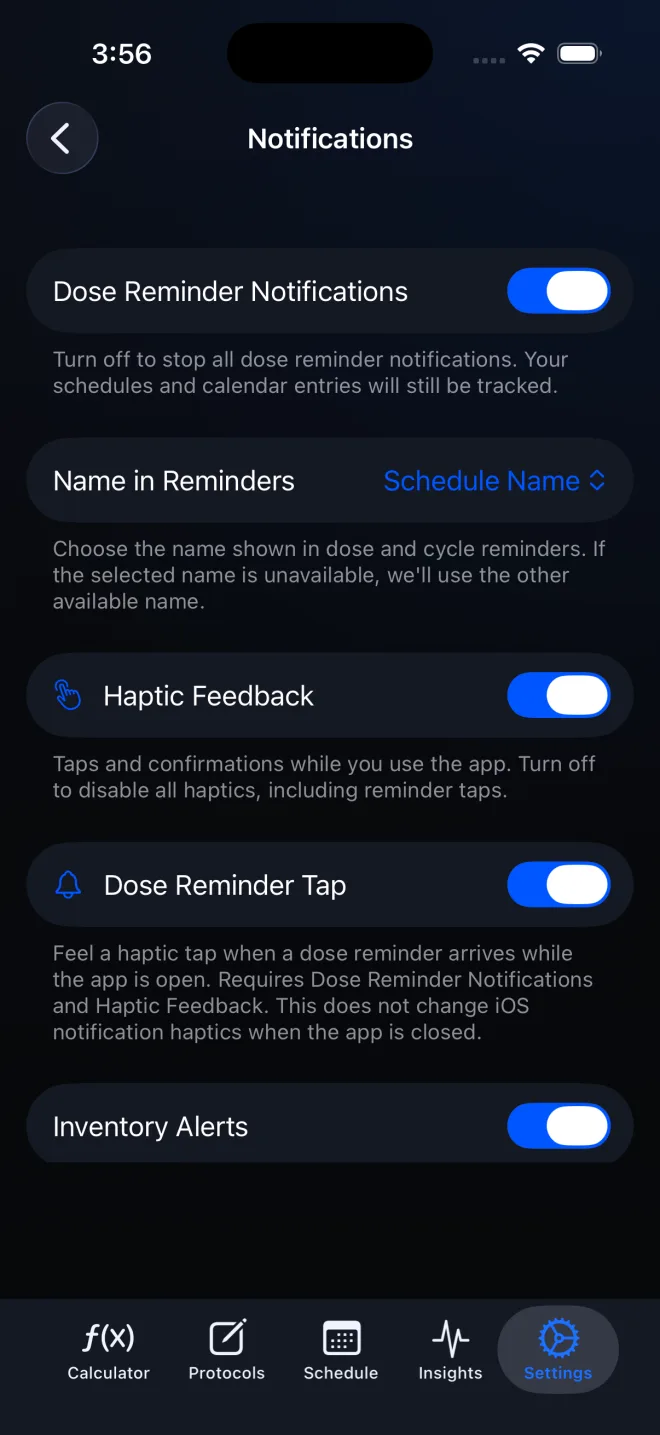 Screenshot tutorial
Turn on PeptideCalc's global dose notifications, enable reminders for a schedule, choose the displayed name, and troubleshoot iOS permission or Focus settings.
Record scheduled and as-needed events, correct mistakes, save context, and review the full history.
 Written guide
Log a scheduled PeptideCalc dose from yesterday or another earlier date while keeping it attached to the correct schedule.
Written guideAdd a PeptideCalc dose that was not on the schedule and keep the as-needed record attached to the correct saved protocol.
Written guideEdit a completed PeptideCalc dose log to correct its recorded details without changing the saved protocol or a future scheduled item.
Written guideOpen the full Log Dose sheet in PeptideCalc, save a note with the scheduled item, and mark that item skipped.
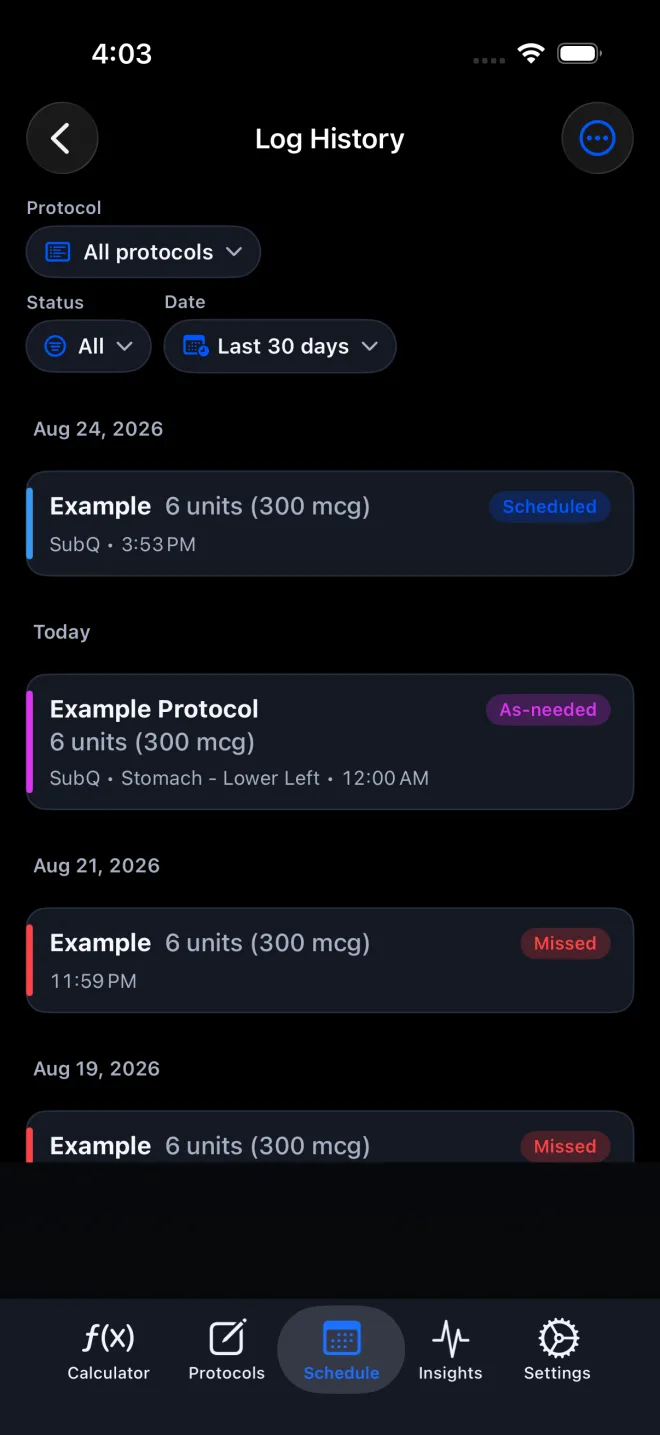 Screenshot tutorial
Open PeptideCalc Log History, filter scheduled and as-needed records, inspect details, correct eligible logs, and export the current history view.
Track supply, biometric trends, and administration-site history without turning recorded data into medical advice.
Written guideTrack vial stock, expiration date, supplier, lot or batch number, acquisition, reconstitution, and storage details for a saved PeptideCalc protocol.
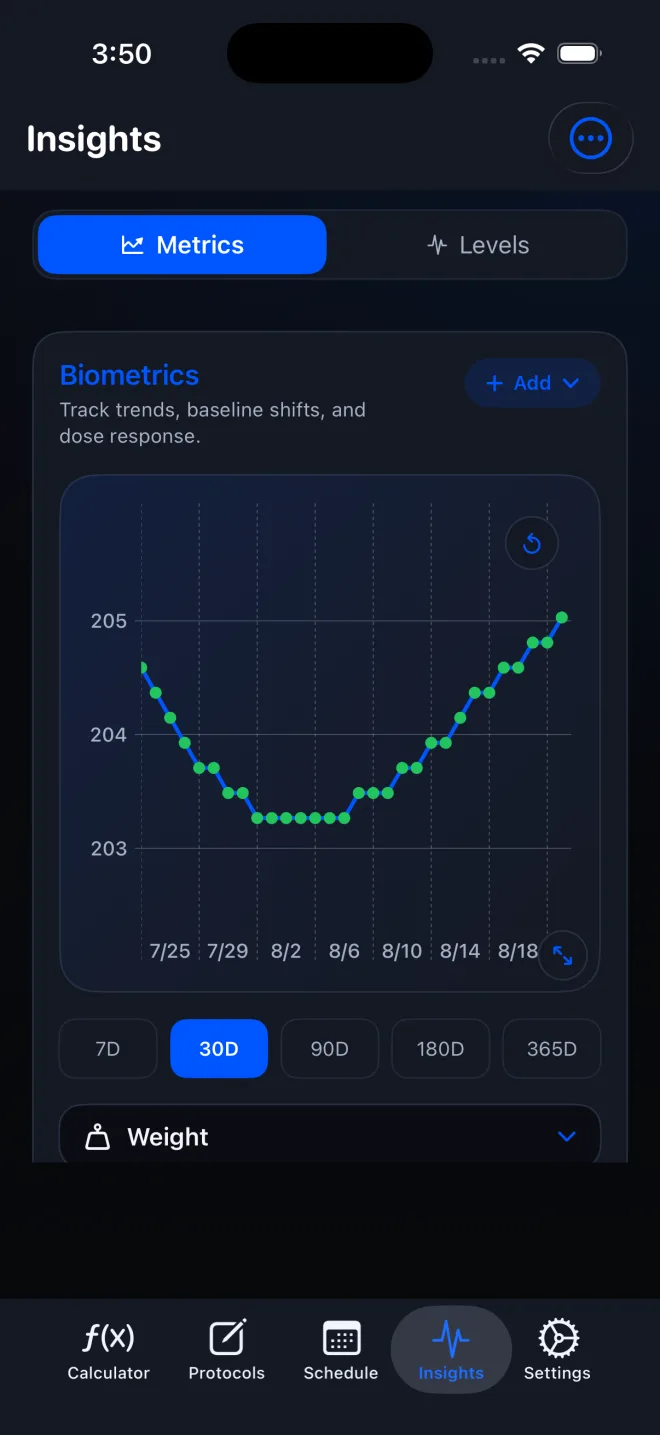 Screenshot tutorial
Track weight, resting heart rate, sleep, and other biometric trends in Insights with manual entries or read-only Apple Health imports.
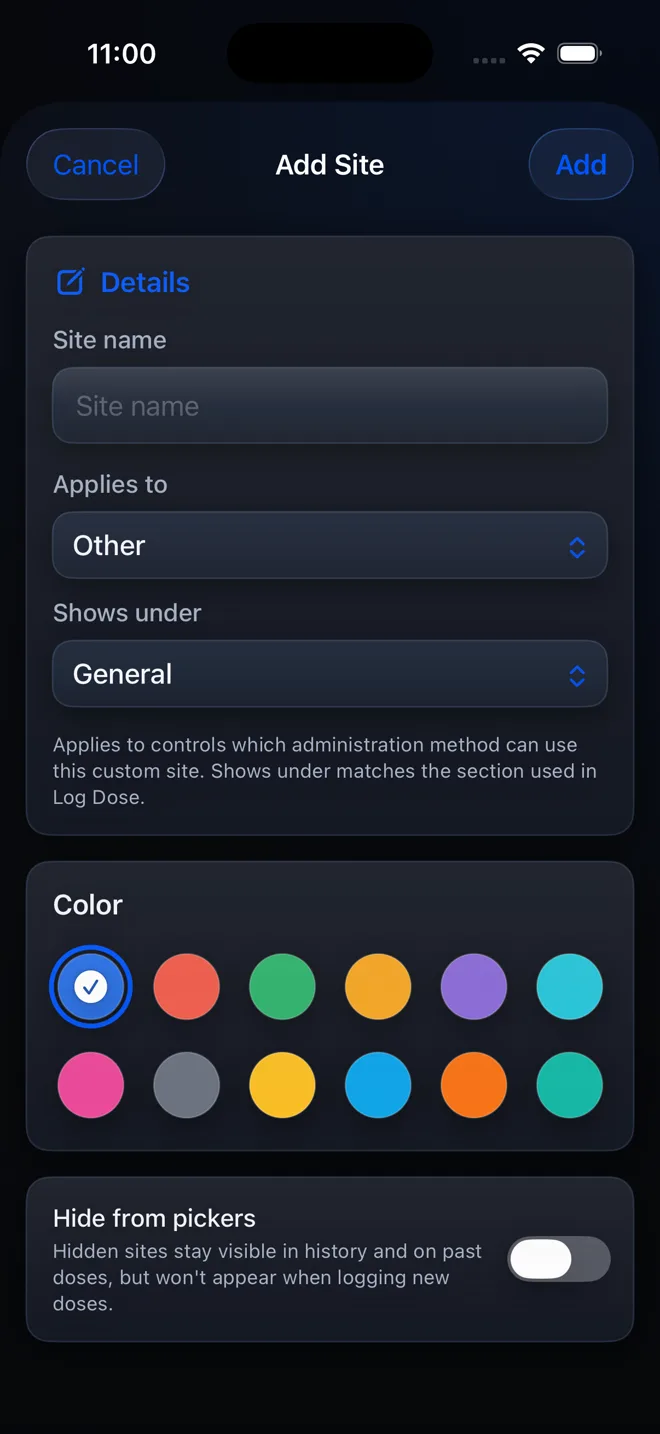 Screenshot tutorial
Add and organize a custom administration site, sometimes called a custom injection site, so it appears when you record details in PeptideCalc.
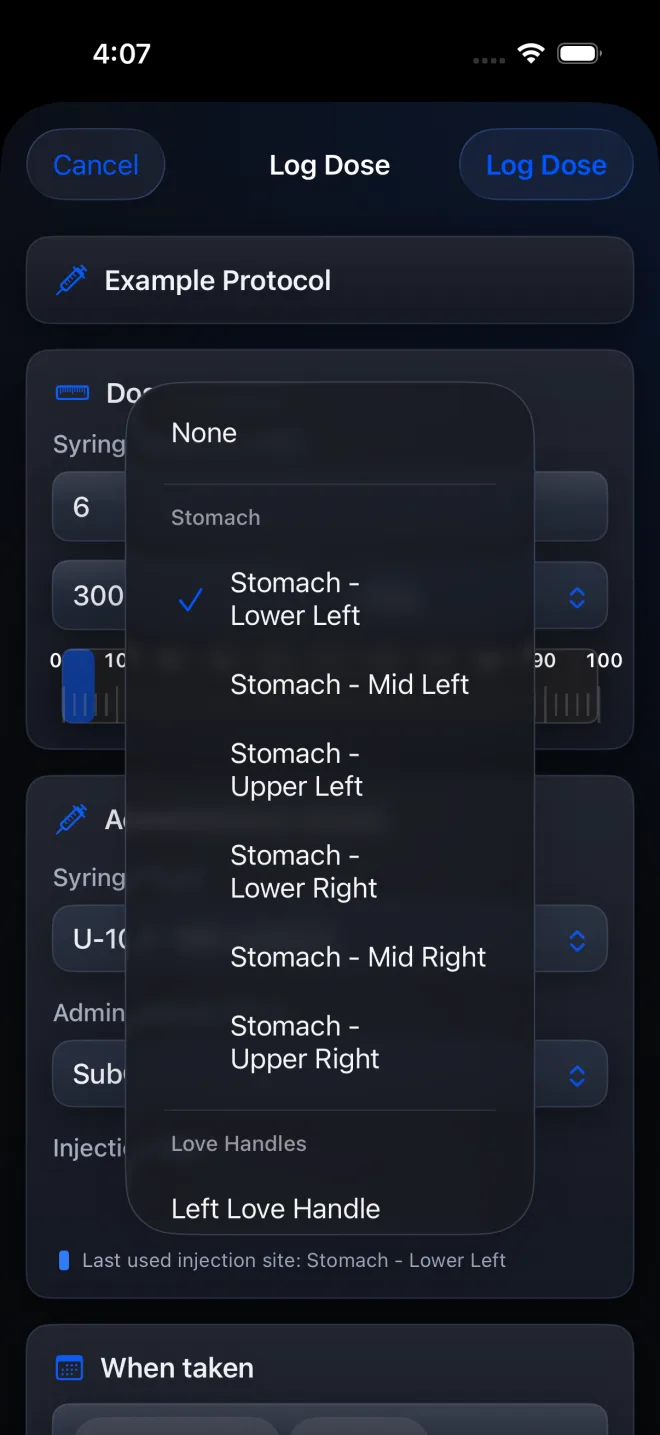 Screenshot tutorial
Record an administration site on each PeptideCalc dose, see the last relevant site while logging, and show a previous-site hint on pending schedule cards.
Sync supported records, restore backups, move data, import protocols, and create shareable exports.
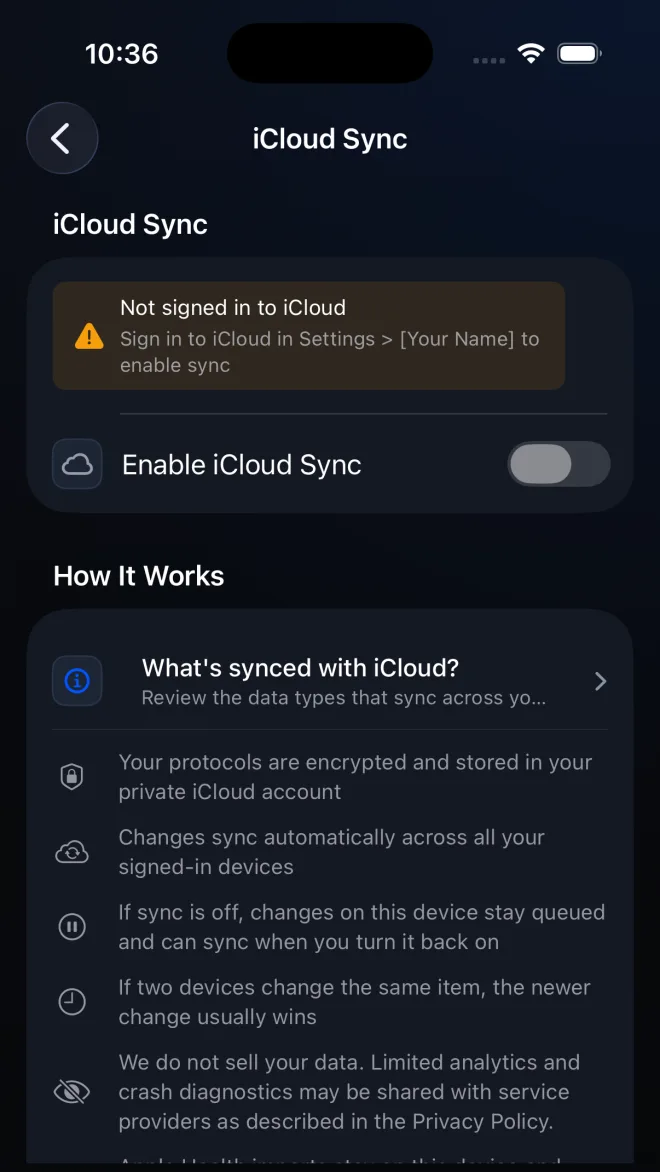 Screenshot tutorial
Turn on PeptideCalc iCloud Sync, check its status, and understand what syncs, what stays on one device, and how to move data manually.
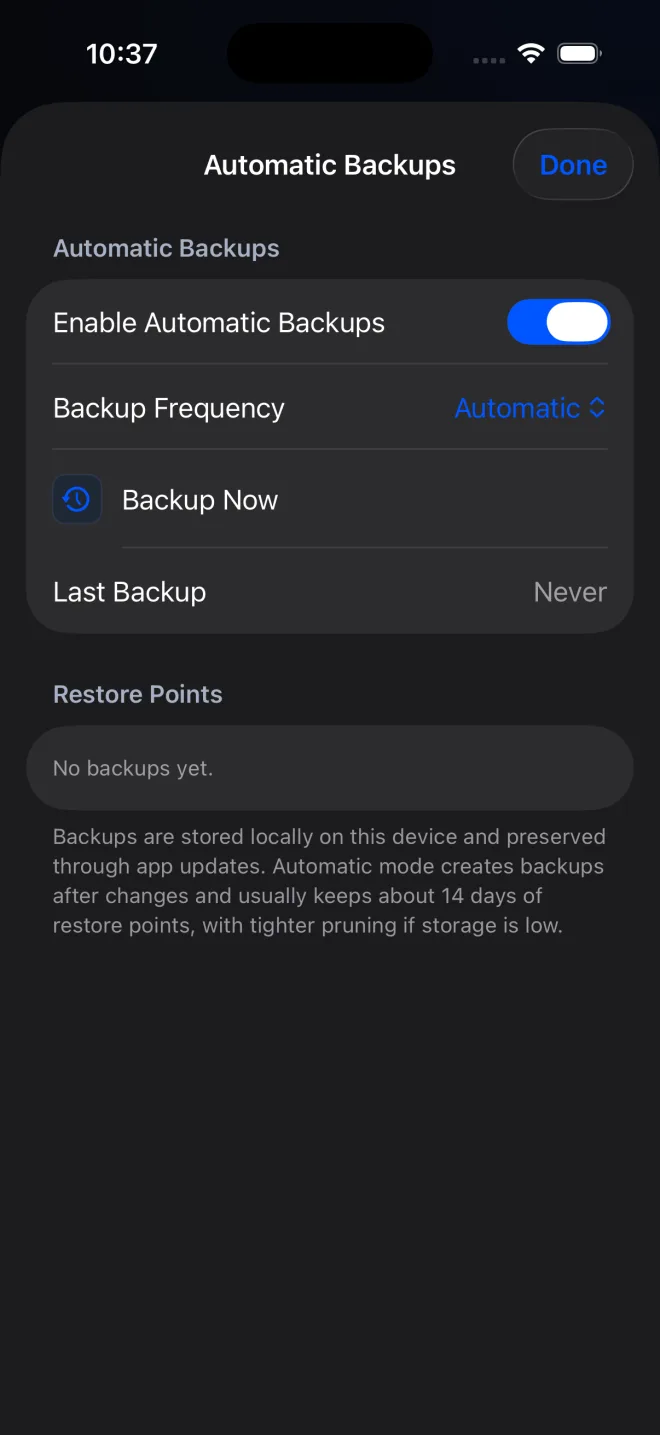 Screenshot tutorial
Restore a local PeptideCalc recovery point with Merge or Replace Current Data, and understand the iCloud effect before confirming.
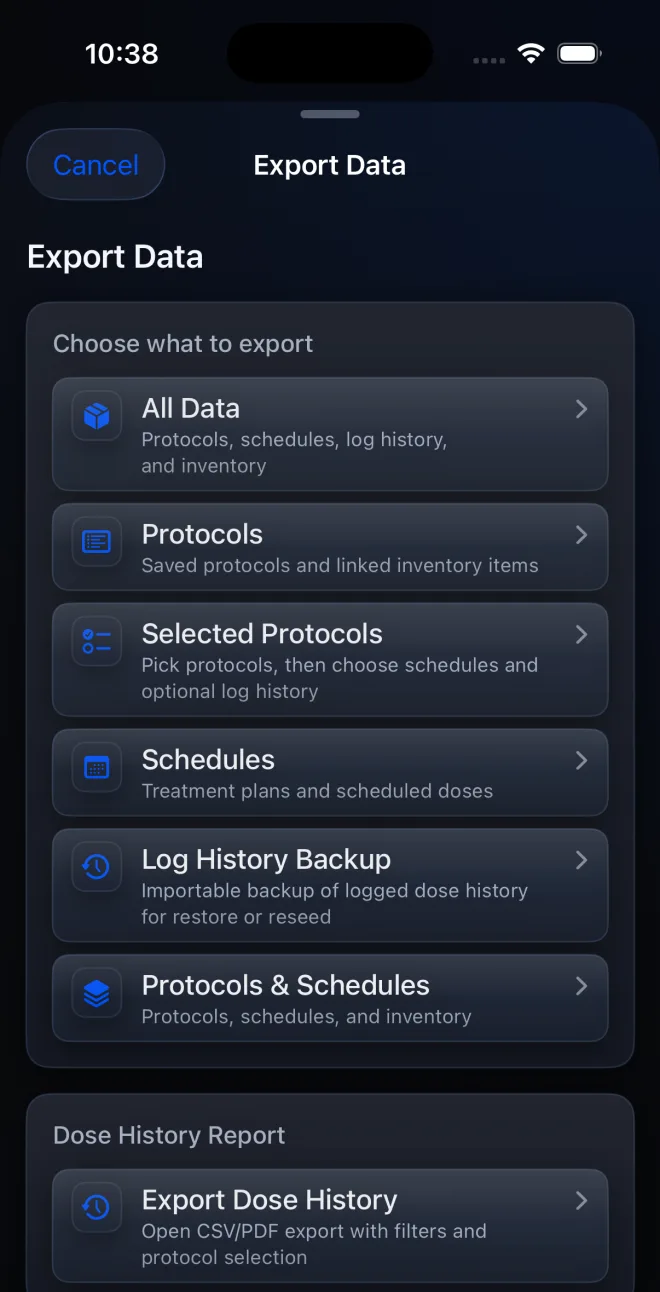 Screenshot tutorial
Move PeptideCalc data to a new iPhone or iPad without iCloud by exporting a private JSON backup, then choose Merge or Replace Current Data safely.
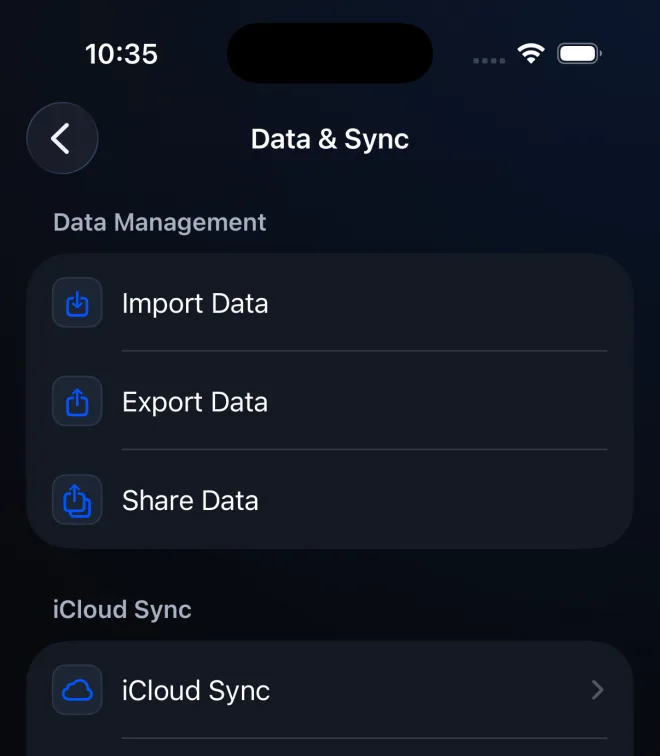 Screenshot tutorial
Use PeptideCalc's blank protocol CSV template to add protocols in bulk without importing schedules or dose history.
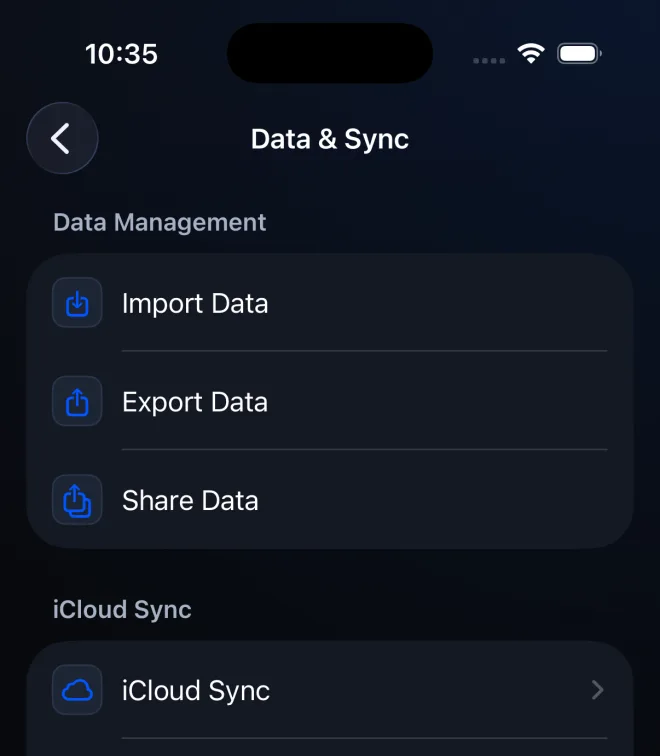 Screenshot tutorial
Export readable protocol or schedule CSV summaries from PeptideCalc and understand why Share Data files are not restorable backups.
Use Apple-managed refund and Family Sharing controls without confusing them with PeptideCalc data sync.
 Written guide
Request an App Store refund for PeptideCalc through Apple's Report a Problem website and learn when Apple says to expect an update.
Written guideTurn on Apple Purchase Sharing, find the PeptideCalc purchase under a family member's App Store history, and redownload the app.
These pages explain PeptideCalc controls, calculation relationships, and software workflows. They do not choose a medication, dose, liquid, syringe mark, or preparation method. Use the product label and instructions from a licensed clinician or pharmacist to decide whether any input or result is appropriate.